


 |
MT4 or MT5? Which Platform Fits the Way You Trade (November 2026)
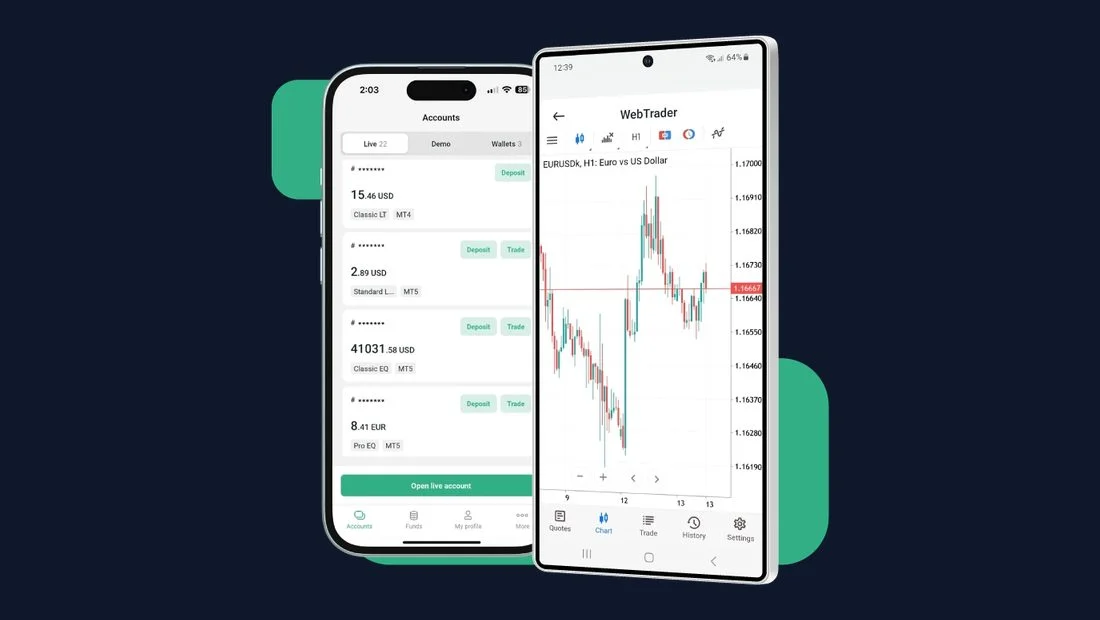
MT4 (MetaTrader 4) and MT5 (MetaTrader 5) are the most well-known trading platforms that connect through a broker. Both were developed both, and they include built-in indicators and timeframes. Traders often use them for instruments like commodities, indices, and cryptocurrencies.
In this section, you will understand the differences between MT4 and MT5 and determine which platform best fits your trading style.
Key points
- MT4 has 30 built-in indicators, 9 timeframes and 4 order types; MT5 has 38 indicators, 21 timeframes and 6 order types
- MT5 adds a built-in economic calendar, Depth of Market and a netting-or-hedging option
- XS.com offers both platforms on desktop, mobile and tablet, plus the XS mobile trading app
What is the difference between MT4 and MT5?
MT4 and MT5 operate similarly, but different platforms may suit different levels of traders. One of the platforms may have standout features when it comes to technical analysis tools and trading orders that support trading.
| Feature | MetaTrader 4 (MT4) | MetaTrader 5 (MT5) |
|---|---|---|
| Year Release | 2005 | 2010 |
| Built-in Indicators | 30 | 38 |
| Timeframes | 9 | 21 |
| Chart Tools | 23 | 44 |
| Order Types | 4 | 6 |
| Position Accounting | Hedging | Netting and hedging option |
| Economic calendar | Not included | Built-in |
| Market Access | Mainly Forex and some other markets | Forex, stocks, futures, bonds, and other markets depend on the broker |
In conclusion, MT4 is classic and offers enough chart tools for traders who look for straightforward, user-friendly tools. However, MT5 offers more chart tools and allows traders to access multiple timeframes. It is great for traders who look for more trading features and additional tools.
Which Platform Fits Your Trading Style?
Choosing between MT4 and MT5 depends on your trading strategies, trading experience, and your trading goals. Each platform has limits on connecting to different markets, as well as advanced tools that are offered on specific platforms.
Here are suggested platforms that may answer your questions:
| Trading preference | Suggested platform |
|---|---|
| Look for a platform that is easy to use | MT4 |
| Only need basic technical analysis like trendlines | MT4 |
| Need multiple chart tools and timeframes | MT5 |
| Want to use advanced analysis tools like MACD, RSI, etc. | MT5 |
Why Trade Across Platforms with XS.com?
XS.com is a trusted broker that offers multiple platforms for traders to access different markets. With over 16 years in the financial industry, this company is committed to designing platforms that make it easy and simple for traders to use, like the XS app and many more. Let's learn more about .
MT4 and MT5 Across Different Devices
Traders can access MT4 and MT5 on XS.com across different devices, including desktop, mobile, and tablets on both iOS and Android. This makes it easier for traders to follow the market whenever and wherever they have internet access.
XS App for Mobile Trading
Traders are able to access the XS mobile trading app when signed up with XS.com. This application allows traders to stay informed about market moves quickly and also makes transfers easier with reliable customer support.
MT4 and MT5 Features That Suit All Trading Styles
| MT4 Features | MT5 Features |
|---|---|
| Easy to use | Easy to use with advanced tools |
| 9 timeframes | 21 timeframes |
| 30 built-in technical indicators | 38 built-in technical indicators |
| Automated trading with Expert Advisors (EAs) | Automated trading with Expert Advisors (EAs) |
| Customizable charts and layouts | Customizable charts and layouts |
| 1-click trading | 1-click trading |
| Live market prices and trading alerts | Live market prices and economic calendar |
| Supports multiple trades | Supports multiple trades |
| - | Depth of Market (DOM) |
| - | Time & Sales data for supported instruments. |
Trade with XS
- Register: Open your XS account online in minutes.
- Fund: Deposit with your XS Mastercard or your preferred funding method.
- Trade and earn: Trade on gold, silver and oil, and earn XS Trading Miles from your first eligible trade.
Want to practice first? Test your strategy on a demo account before trading live.
Risk Warning: Trading CFDs and leveraged products involves a high level of risk and may result in the loss of your capital. This article is for educational purposes only and does not constitute investment advice or a recommendation to trade.